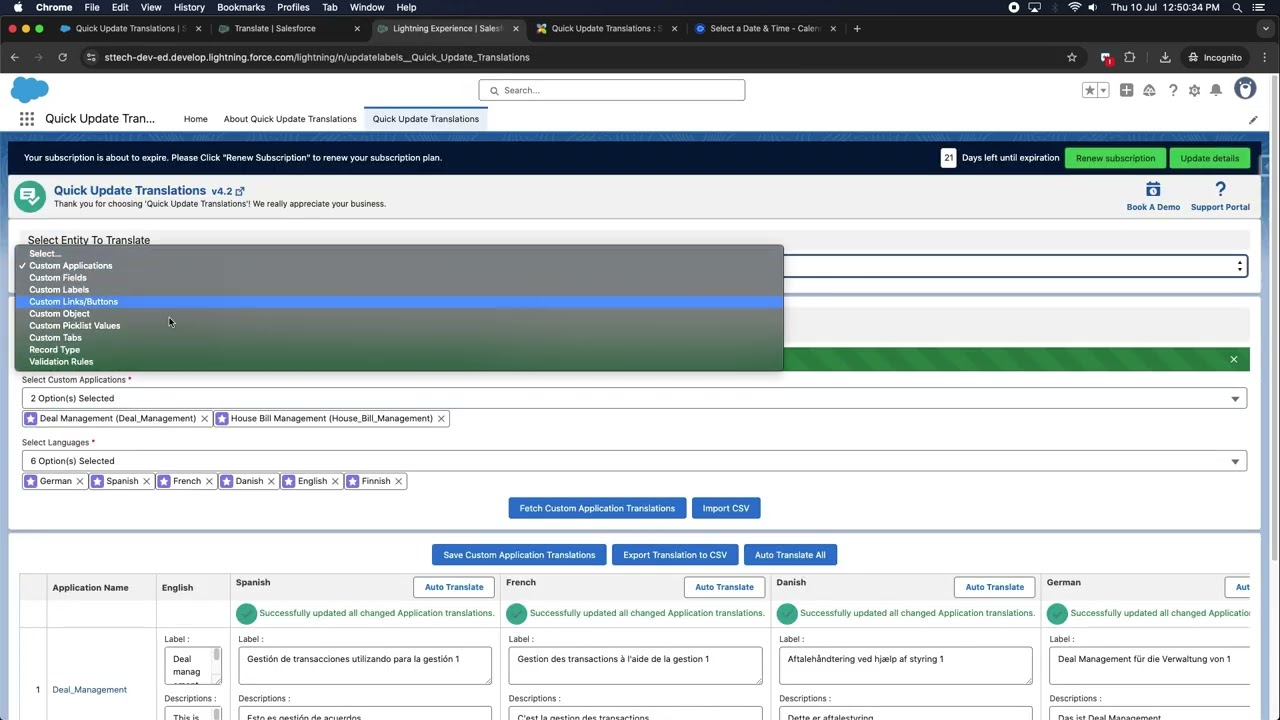
Quick Update Translations lets Salesforce admins update custom labels, translations, field help texts, picklist values, validation rules, tabs, apps, buttons, links, and record types - all from one place. No developer needed.

Trusted by Salesforce teams worldwide - managing multilingual orgs across global enterprises, nonprofits, and everything in between.

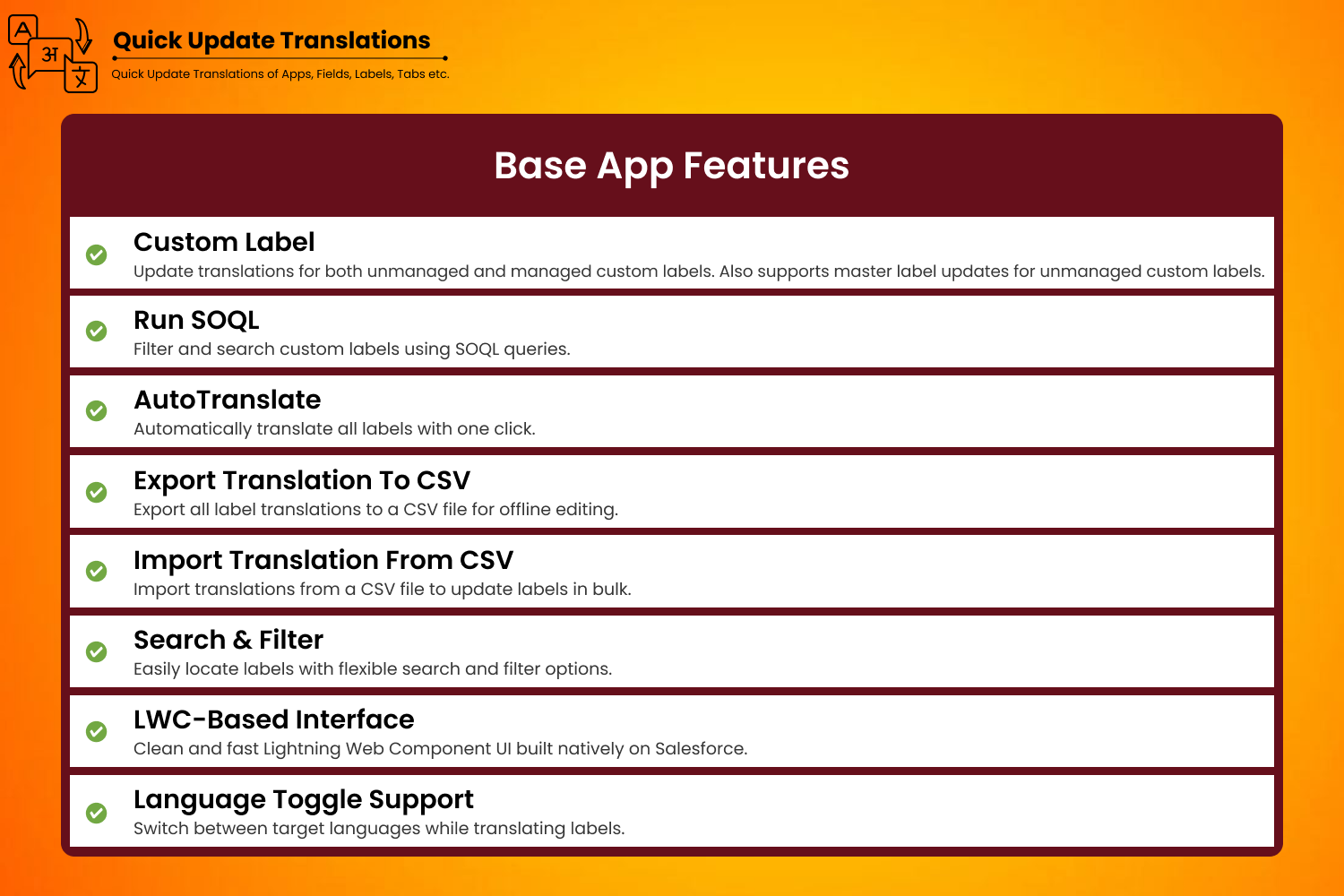
Base app includes
Quick Update Translations puts full control of your multilingual Salesforce org into the hands of admins - no developer involvement, no Workbench, no deployment headaches.
Update master labels and translated values for custom labels in bulk. Edit multiple languages across your entire org from a single grid view without opening each label individually.
Update field help text and help text translations in bulk for all custom fields across your org. Keep your multilingual user guidance consistent without repetitive manual edits.
Update master labels for unmanaged or managed custom fields from a single view. Includes English Override support - rename field labels at scale in seconds.
Full support for all Salesforce-supported languages. View, compare, and update translations side by side for any language enabled in your org - no switching between setup menus.
Fully native Salesforce app. No external servers, no third-party data connections. All updates happen entirely within your Salesforce org using standard platform APIs.
Built for Salesforce admins. Point-and-click interface with grid editing for rapid bulk updates. No developer needed, no Workbench, no metadata deploys required.
Auto-translate button automatically translates master label values into all enabled languages in one click. Save hours of manual translation work across large orgs.
Export your entire translations table to CSV. Make bulk edits offline or in a spreadsheet, then import the CSV back to push all updates at once - ideal for large translation projects.
Managing multilingual Salesforce orgs across industries - from global manufacturing to multinational financial services.
Quick Update Translations works natively across every major Salesforce product and cloud that supports Translation Workbench.
Quick Update Translations is a 100% point-and-click Salesforce admin tool. No developer required. All updates happen directly in your Salesforce org using standard platform APIs.
Select what you want to update - Custom Labels, Field Help Texts, Picklist Values, Validation Rules, Tabs, Apps, Buttons, Links, or Record Types from the main menu.
All your labels and their translations appear in an editable table. Update master labels, translated values, or help texts directly inline for one or many records at once.
Hit save and all your translation updates are applied instantly to your Salesforce org. No metadata deployment, no change sets, no waiting.
Update master labels and all language translations for custom labels in bulk from a single grid view. Included in the base app.
Bulk update field help text and help text translations for custom fields. Included in the base app.
Update master labels for custom fields - unmanaged or managed. Included in the base app.
Tabs, Field Translations, Apps, Links & Buttons, Object Translations, Validation Rules, Picklist Values, Record Types, Import/Export CSV, Auto Translate - all available as paid add-ons at $60/user each.
Other methods to update Salesforce translations require developer effort, metadata deployments, or navigating Setup one-by-one. Quick Update Translations is the only complete, native, no-code solution.
| Capability | Quick Update Translations | Translation Workbench | Metadata Deploy | Manual Setup |
|---|---|---|---|---|
| Bulk update without code | ✓ | ✗ | ✗ | ✗ |
| Update multiple translation types at once | ✓ | Partial | ✓ | ✗ |
| No developer or metadata deploy | ✓ | Limited | ✗ | Partial |
| Import/Export via CSV | ✓ | ✗ | Via IDE | ✗ |
| Auto Translate via AI | ✓ | ✗ | ✗ | ✗ |
| Inline grid editing | ✓ | ✗ | ✗ | ✗ |
| AppExchange certified & native | ✓ | ✓ | N/A | N/A |
Watch a complete walkthrough of all translation types - Custom Labels, Field Help Texts, Field Translations, Tab Translations, and more.
A visual tour of all core features and translation types. Click any screenshot to view full size.


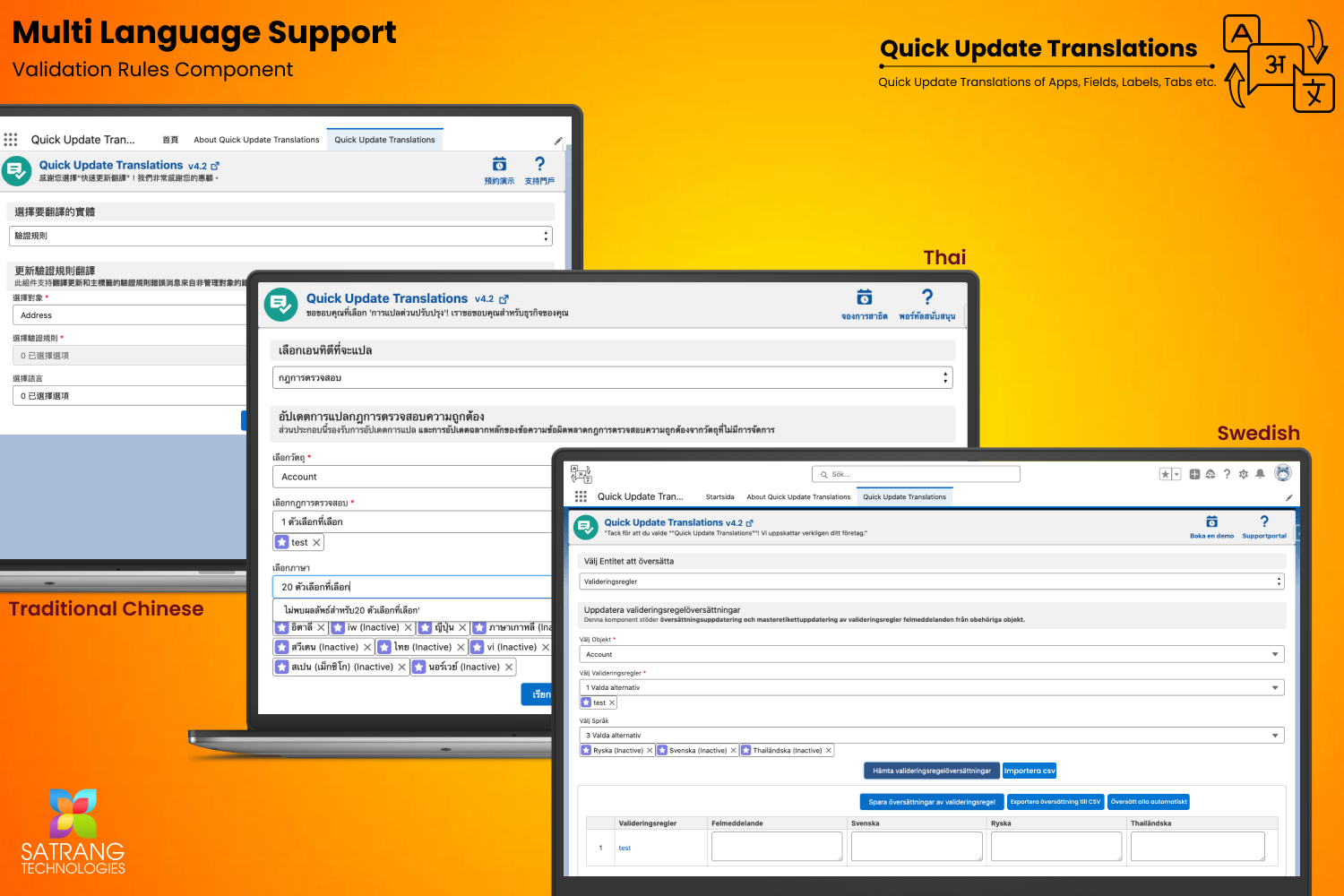
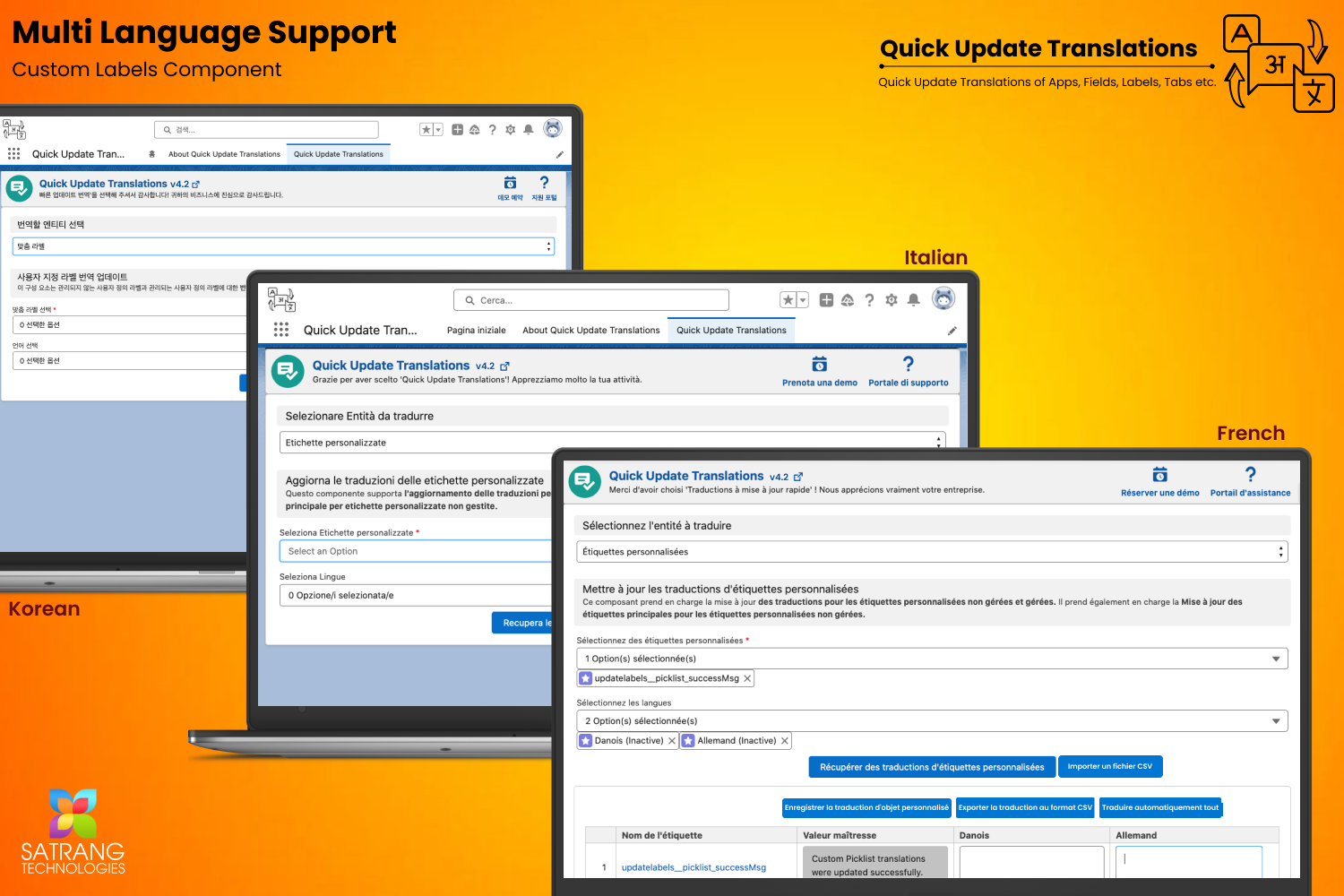
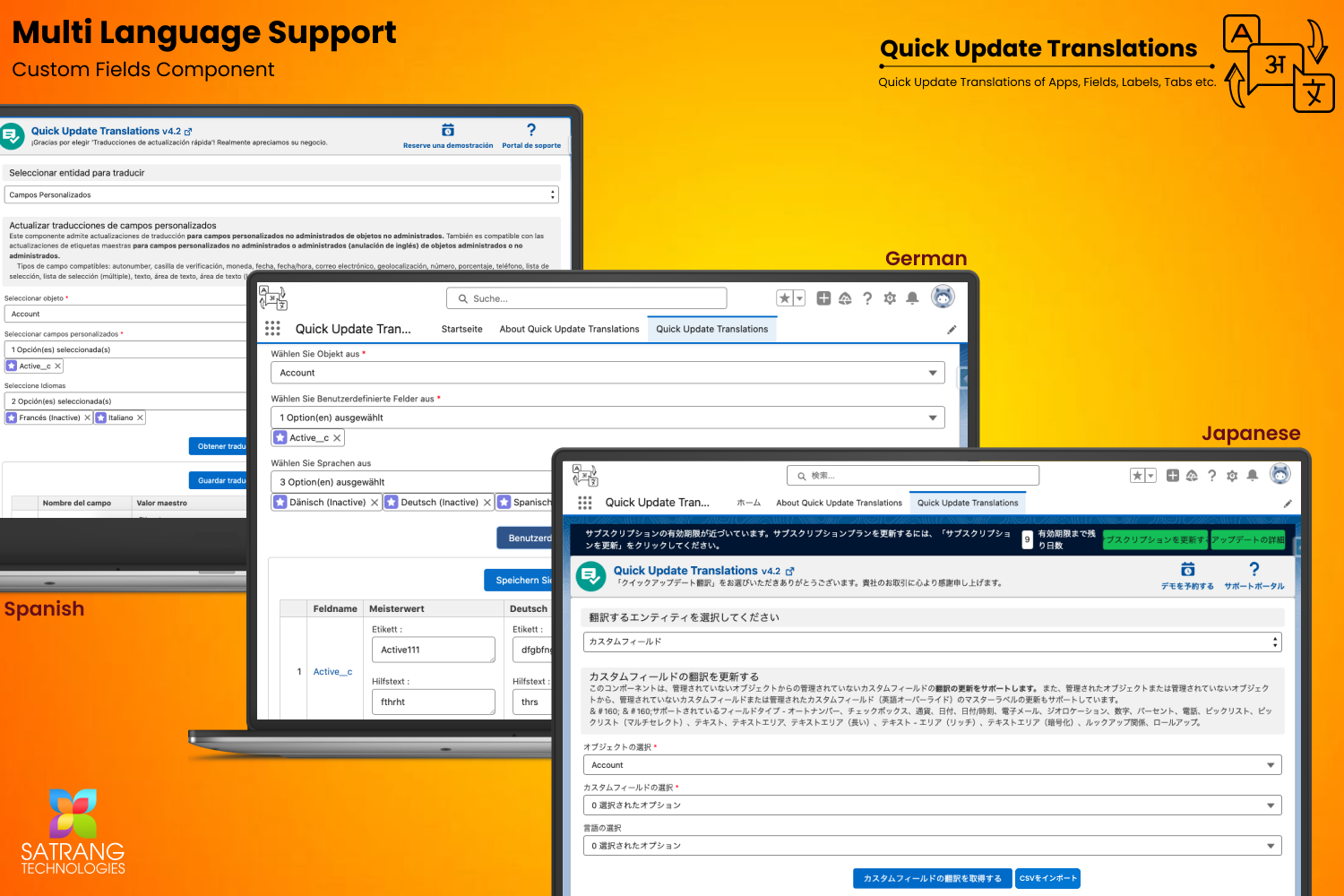


Full walkthrough videos for every translation type. See exactly how each feature works before you install.
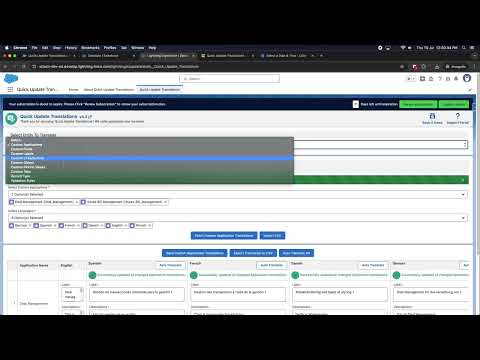 Full Demo
Complete walkthrough of Quick Update Translations - see how to bulk update labels, translations, and master labels across your entire Salesforce org.
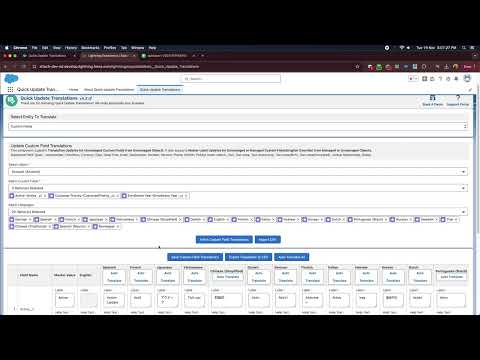 Add-On
Import a CSV file with all your translation values and update them in your org in bulk - ideal for large translation projects.
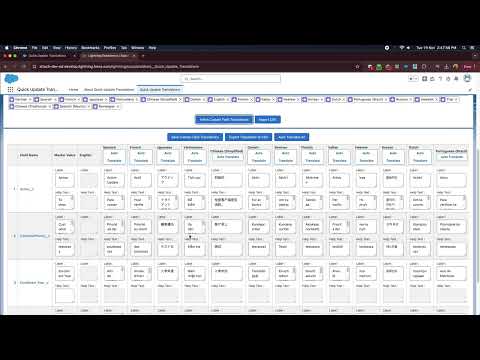 Add-On
Export your entire translations table to CSV format for offline editing, auditing, or sharing with your localization team.
 Add-On
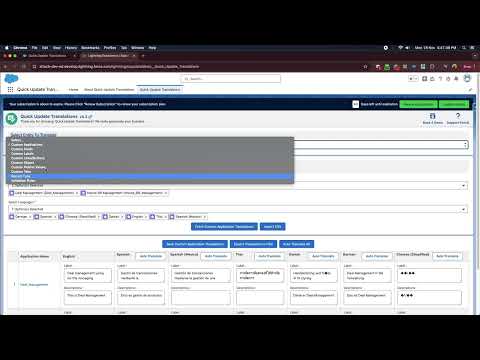
Automatically translate master label values into all enabled languages with a single click using the built-in auto-translate feature.
 Add-On
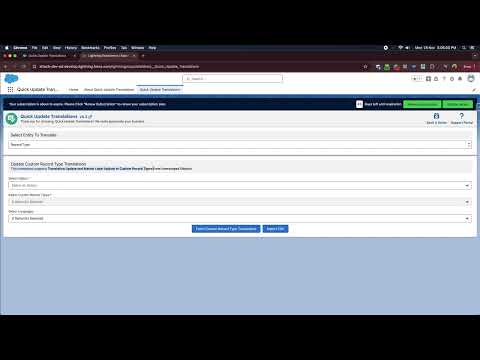
Update translations and master labels of Custom Record Types from unmanaged objects - including Record Type Description translations.
 Add-On
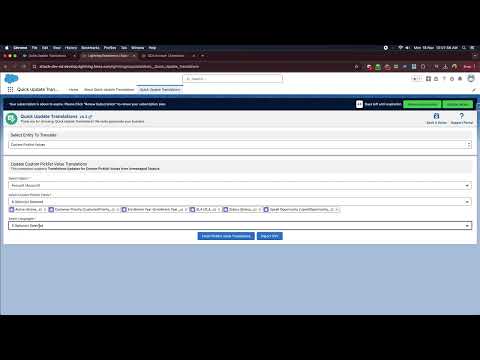
Quickly update translations for Custom Picklist Values in unmanaged objects - saving hours of manual work in multilingual Salesforce orgs.
 Add-On
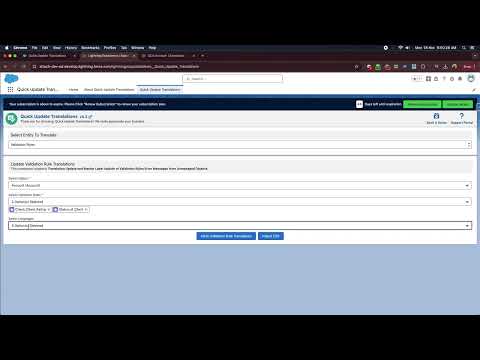
Update translations and master labels for Validation Rules Error Messages from unmanaged objects quickly and efficiently.
 Add-On
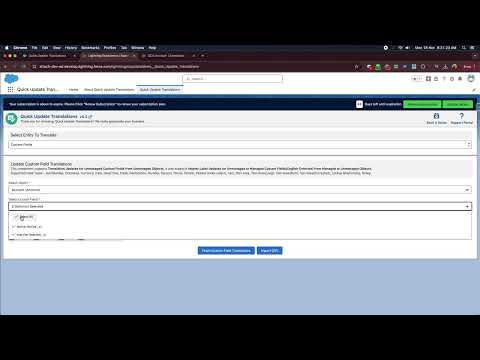
Update translations for unmanaged Custom Fields within unmanaged objects. Also supports master label updates and Field Help Text translations.
 Add-On
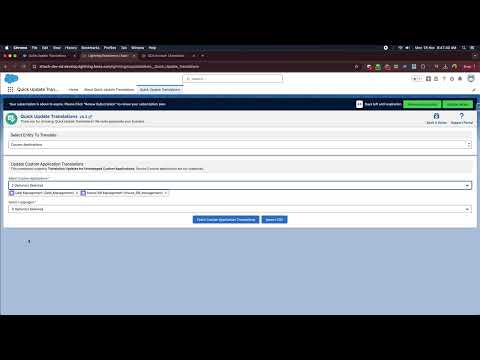
Update translations for unmanaged Custom Applications including Application Description. Translate your Salesforce apps faster than ever.
 Add-On
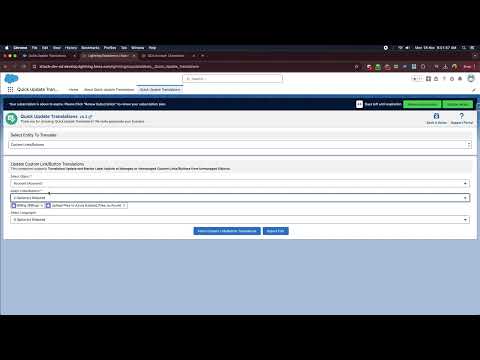
Update translations and master labels of managed or unmanaged Custom Links and Buttons from unmanaged objects.
 Add-On
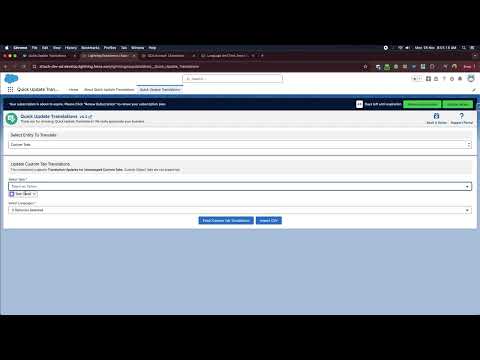
Update translations for unmanaged Custom Tabs. Keep your Salesforce navigation consistent and localized across all your supported languages.
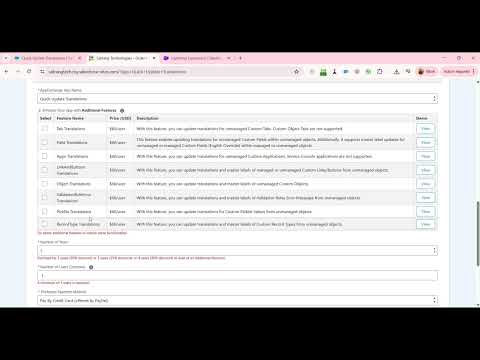 Pricing
Per-user pricing walkthrough: understand the base app cost, add-on pricing, and how to pick the right combination for your team size.
Simple per-user, per-year licensing at $240/user/year. Add only the translation type add-ons you actually need at $60/user each. ACH, Wire, and Credit Card accepted.
Unlock specific translation types on top of your base license. Each add-on is $60/user and independently purchased.
Update translations for unmanaged Custom Tabs. Note: Custom Object Tabs are not supported.
Update translations for unmanaged Custom Fields within unmanaged objects. Also supports master label updates (English Override) for managed or unmanaged fields.
Update translations for unmanaged Custom Applications. Service Console applications are not supported.
Update translations and master labels of managed or unmanaged Custom Links and Buttons from unmanaged objects.
Update translations and master labels of unmanaged Custom Objects across your entire Salesforce org.
Update translations and master labels of Validation Rules Error Messages from unmanaged objects in bulk.
Update translations for Custom Picklist Values from unmanaged objects - saving countless hours of manual work in multilingual orgs.
Update translations and master labels of Custom Record Types from unmanaged objects. Also supports Record Type Description translations.
Import a CSV file with all translation values and push bulk updates to your org in one go - perfect for large translation projects.
Export your full translations table to CSV format for offline review, localization team collaboration, or backup purposes.
Automatically translates master label values into all enabled org languages with a single click, powered by translation intelligence.
We have documented every question our users have asked. Browse all FAQs on our knowledge base or read the most common ones here.
Browse All FAQsDocumentation, guides, videos, and support to help you get the most out of Quick Update Translations.
Complete step-by-step guide for setting up and using Quick Update Translations in your Salesforce org.
Answers to the most common questions about setup, permissions, edition support, and individual translation types.
Stay up to date with new translation types, improvements, and bug fixes across all versions of the app.
Detailed documentation for every paid add-on - what it does, what it supports, and how to enable it in your org.
Full video library covering every translation type, all add-ons, and pricing. Watch before you buy - no pressure.
Raise a support ticket, browse knowledge base articles, or contact the Satrang team directly for help with your translation setup.
Fill in the form and we will reply within one business day with a personalized demo tailored to your translation scenario.
We build native, no-code Salesforce tools loved by admins and teams worldwide. Hover any app to learn more.