Empower customers to update their Lead, Account, or Contact information using a simple, secure public web form. No Salesforce login required. Your team reviews and approves with one click.
Trusted by nonprofits, enterprises, and growing teams who rely on Salesforce to keep client data accurate and up to date.


Keeping client data accurate across nonprofits, financial services, healthcare, professional services and more.
Update Client Details works natively across every major Salesforce product, cloud, and edition.
No code. No custom development. Just a point-and-click Salesforce tool that sends a secure link to your clients, lets them update their details, and routes the changes for your approval.
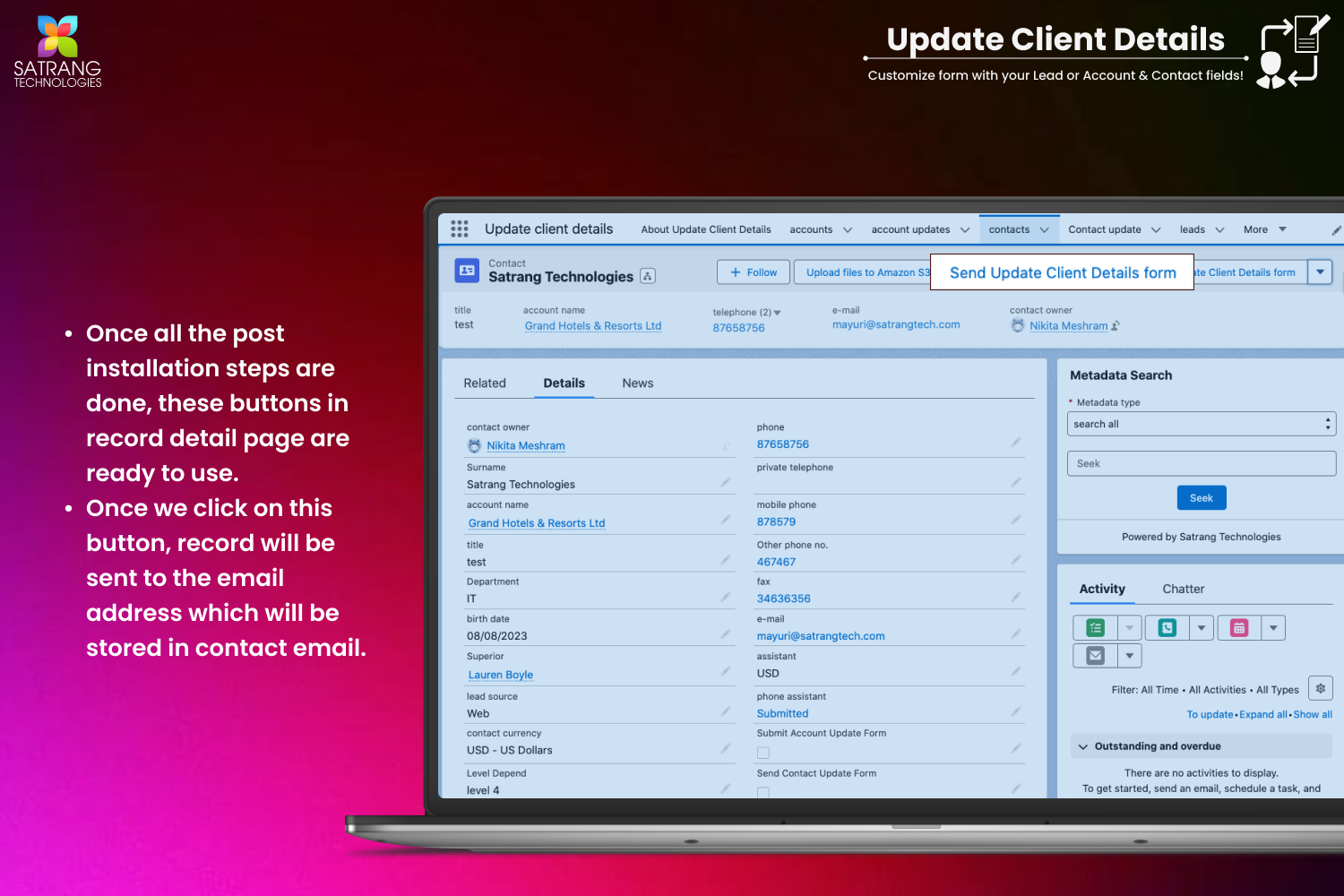
With one click on any Lead, Account, or Contact record in Salesforce, send your client a personalised, secure web form link via email. No login or Salesforce access required on their end.
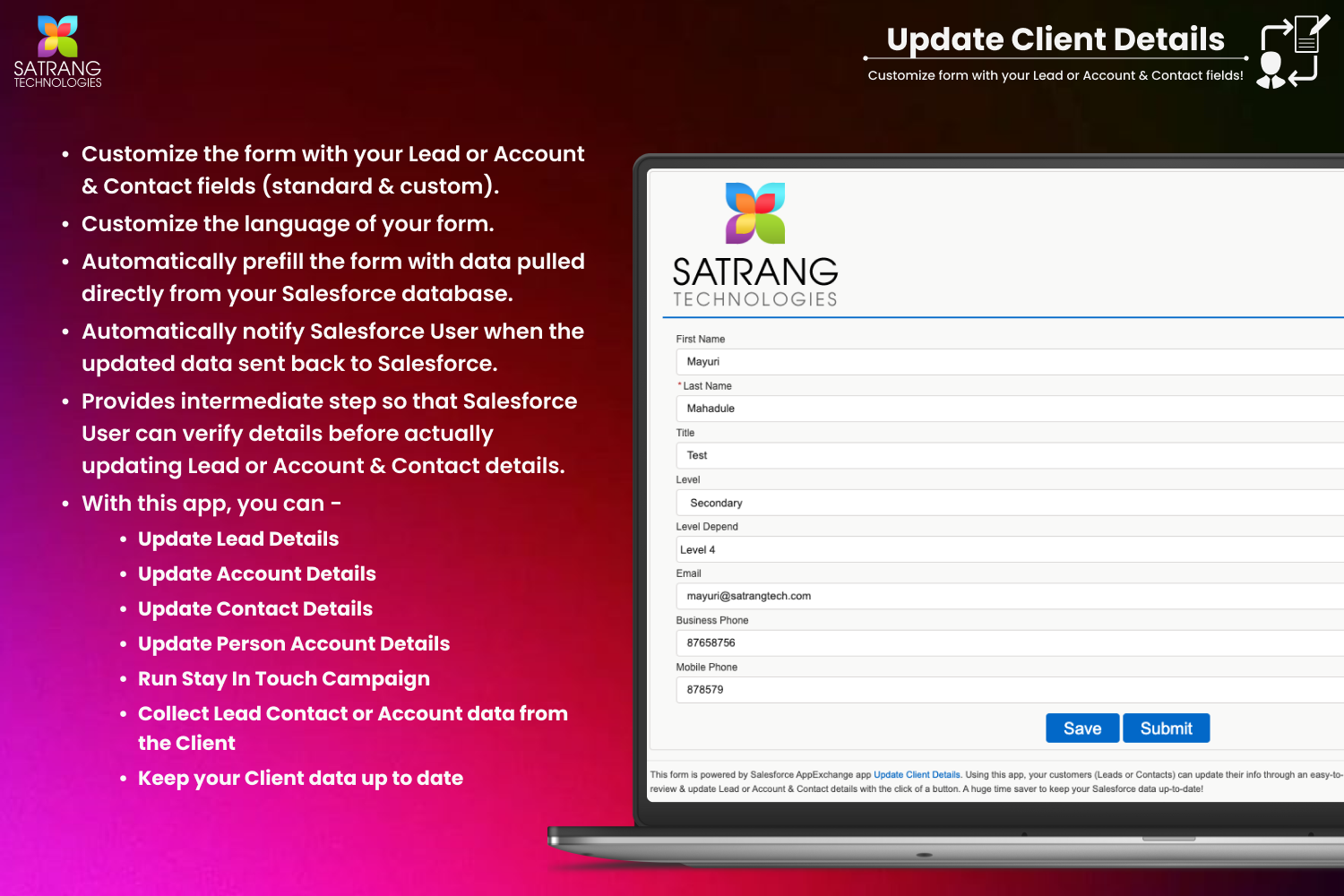
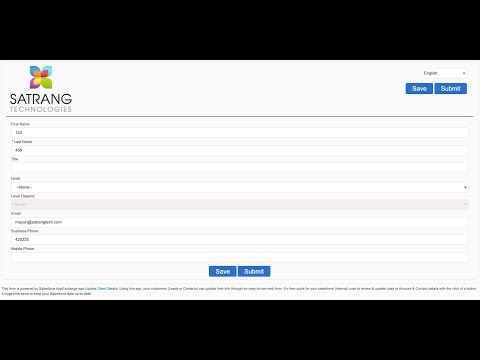
Your client opens the branded web form, reviews their existing details, and submits any changes. The form supports file uploads, consent checkboxes, OTP verification, and 18 languages.
Submitted changes are held for approval inside Salesforce. Your team reviews the proposed updates with a before/after comparison, and approves or rejects with one click. Approved changes update the record automatically.
Send a web form directly from a Lead record. Prospects update their own contact details, which are held for your team to approve before updating in Salesforce.
Keep company-level information current. Send an update form from an Account record and let your clients confirm or correct their company details directly.
Invite individual contacts to review and update their personal details. Works alongside Account update flows to keep both company and person data accurate.
Send a single form that captures updates for both an Account and its related Contacts simultaneously, reducing back-and-forth and keeping all related records aligned.
The only native Salesforce AppExchange app that lets your clients self-update their Lead, Account, and Contact records through a secure branded web form, without requiring a Salesforce login.
A clean, branded public form is generated for each client. No login, no Salesforce access needed. They see their existing data and submit changes in minutes.
All client-submitted changes are held for admin review inside Salesforce. Review a clear before-and-after comparison, then approve or reject with one click.
Works with Lead, Account, and Contact records out of the box. Also supports combined Account + Contact update forms for a seamless client experience.
Send the client update form in 18 languages including English, Spanish, French, German, Portuguese and more. Ideal for global teams with diverse client bases.
Secure the form with OTP authentication and set a link expiry time. Prevent unauthorised access and ensure clients can only update details within your defined window.
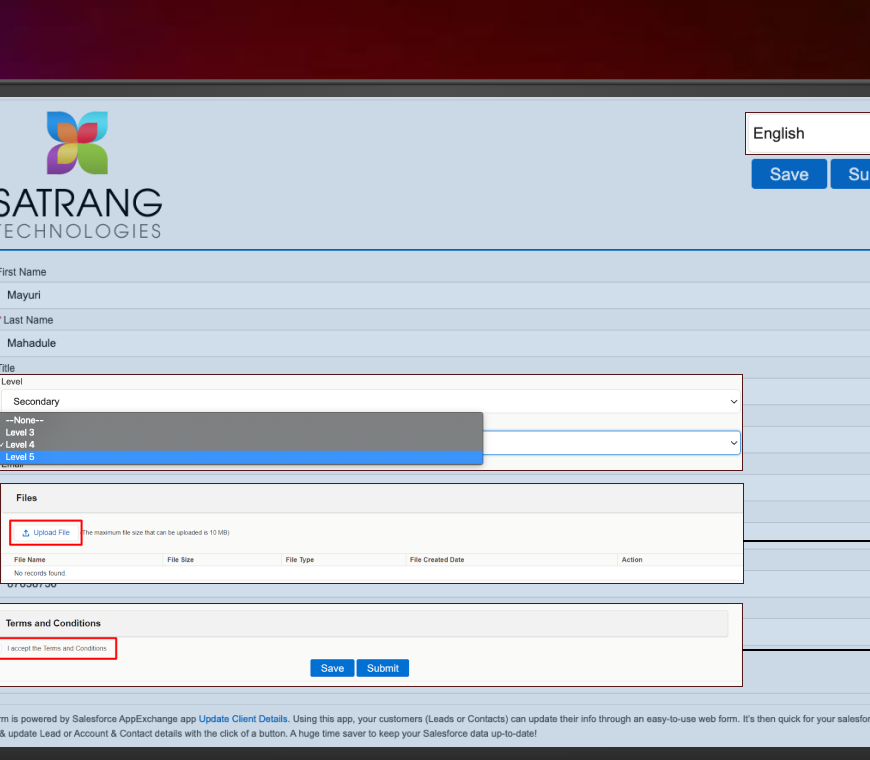
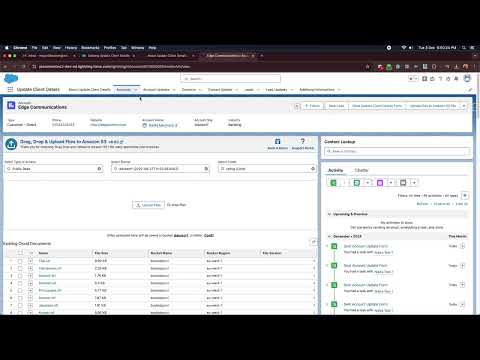
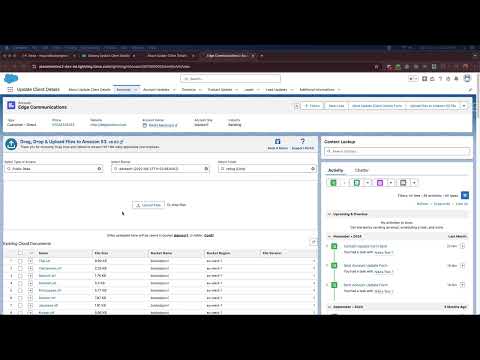
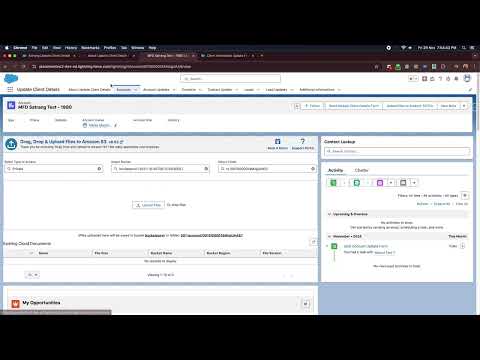
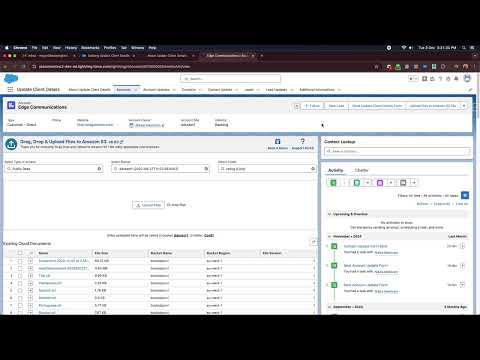
Allow clients to share documents, photos, or identity files through the update form (up to 10 MB). Files land in Salesforce alongside the submitted data.
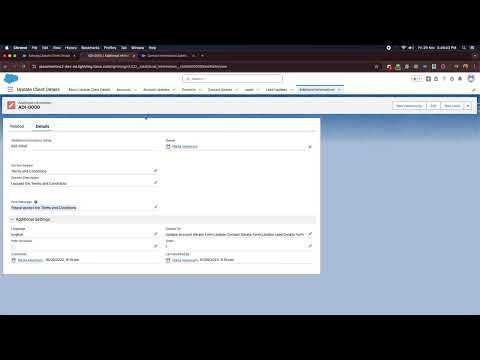
Add custom consent text and optional checkboxes to the client form. Capture GDPR consent, terms agreement, or any other compliance requirement at point of update.
By default, intermediate change records are deleted after approval. With the optional add-on, keep all interim records for a complete audit trail of what was submitted and when.
Salesforce users send the update link directly from any Lead, Account, or Contact record page. No extra configuration or separate application needed.
AppExchange certified and built entirely on the Salesforce platform. Client data never leaves Salesforce infrastructure. Full security model respected throughout.
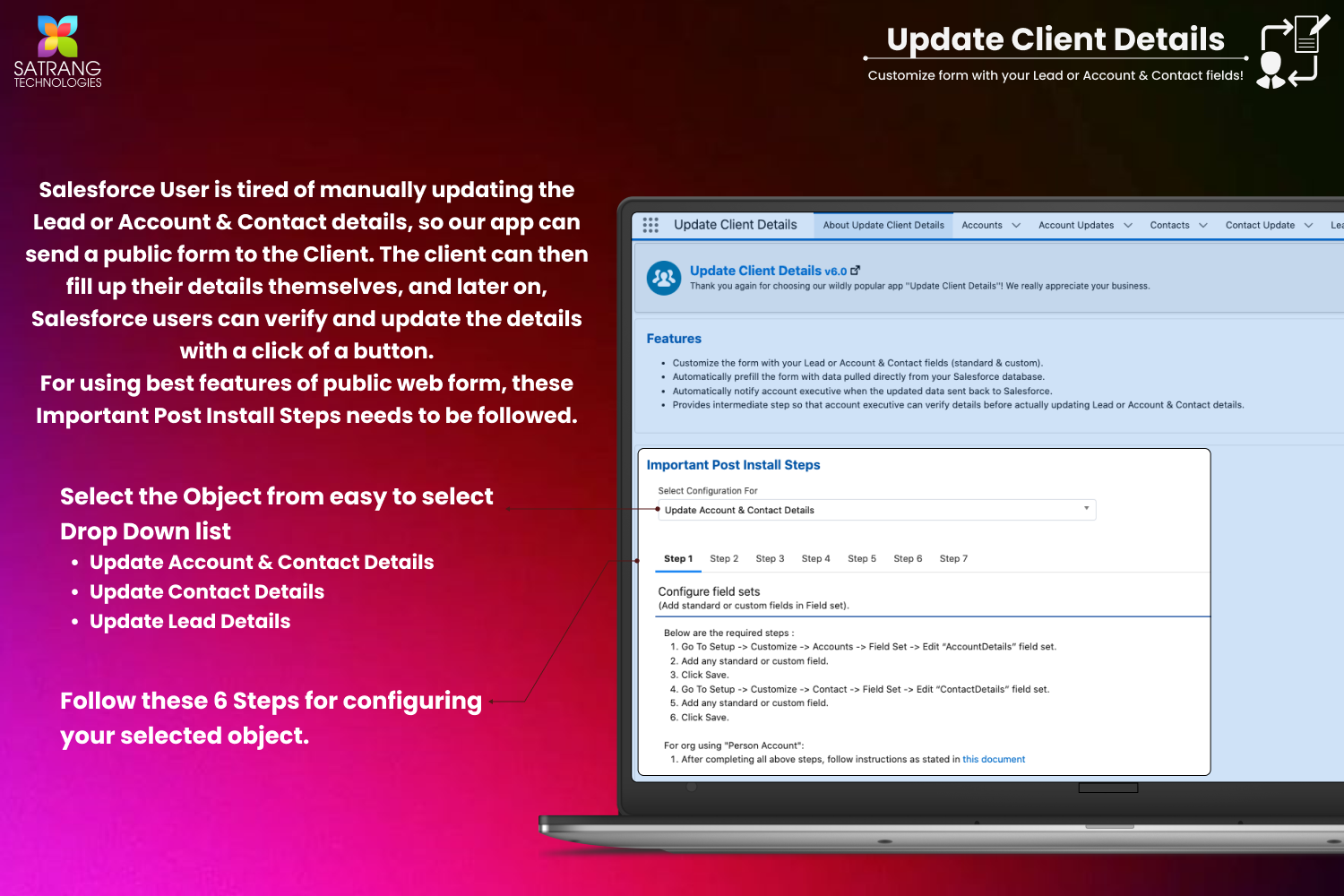
Admins set up and configure the app through point-and-click settings. No developer resource needed to deploy, customise forms, or manage field mappings.
Eliminate the back-and-forth emails, phone calls, and manual updates. Clients submit their own changes; your team simply approves. Data stays current with minimal effort.
Click any screenshot to open the fullscreen viewer with keyboard navigation.


7 tutorial videos covering the full app from the main demo to advanced add-on features.
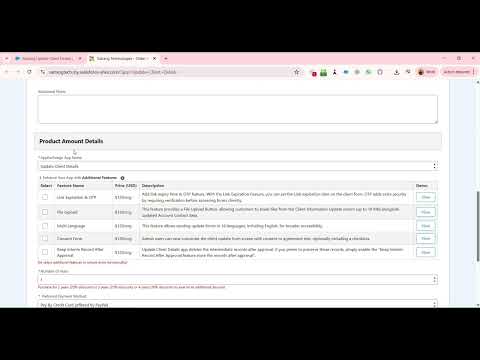
One flat annual fee per company. No per-user charges on the base license. Add optional feature add-ons at $120 per org each. ACH, Wire, and Credit Card accepted.
Each add-on unlocks a specific capability on top of your base license. Priced at $120 per org each.
Add link expiry time to client update forms. OTP verification adds an extra security layer by requiring clients to confirm their identity before accessing the form.
Provide a File Upload button on the client update form. Customers can share documents and files up to 10 MB alongside their updated Account and Contact data.
Send client update forms in 18 languages including English for broader accessibility. Ideal for organisations serving diverse or international client populations.
Add customisable consent or agreement text with optional checkboxes to the client update form. Capture GDPR consent, terms acceptance, or any compliance requirement.
By default, intermediate records are deleted after approval. Enable this add-on to preserve all interim records and maintain a full historical audit trail of every change submitted.
How to order: Use the order form to place your base license order. For add-on features or to discuss custom requirements, contact us directly. ACH, Wire Transfer, and Credit Card are all accepted payment methods.
All reviews verified on Salesforce AppExchange. Click any card to read it on AppExchange.
We just went live today with Update Client Details after lots of testing and modifications. All during COVID, we have not been able to update our client information because it required paper forms and face-to-face conversation. Now we are getting current address, household makeup and contact information. As a non-profit serving a large and diverse population, we needed help with multiple language support. Satrang listened closely and built out their product to support our needs. I found the team very responsive.
Chirag and his team were so patient and willing to help this SFDC novice implement a customised version of this app. They changed fields, created workflows, customised the template, and worked with me in a very easy to follow way, so the tool could be rolled out by our deadline for our client update project. The app works great and Chirag's team was great. Would definitely recommend.
The solution is simple and does what it is asked to do, as promised. What's more, the support team is very responsive in answering our questions. I'd definitely recommend it.
I would recommend this add-in as the service I have received has been excellent. It has vastly improved our workflows. Chirag and his team have been very patient and fast to respond to our queries and problems.
Works great and pretty easy to customise. Huge time saver. The installation was straightforward and the app delivered exactly what we needed for keeping client details up to date in Salesforce.
It does what it says - creates a custom record for approval before updating. A great starting point for teams looking to implement a client data update process in Salesforce with an easy approval workflow built in.
Browse our full FAQ library or reach out directly. We respond within one business day and offer free demo calls for any use case.
Browse All FAQsFill in the form and we will reply within one business day with a personalised demo tailored to your client data update scenario.
We build native, no-code Salesforce tools loved by admins and teams worldwide. Hover any app to learn more.